Full & incremental backups
Schedule full baselines and indexed incremental backups. Configure catch-up backups when an offline client reconnects.
 Choose your journey ↗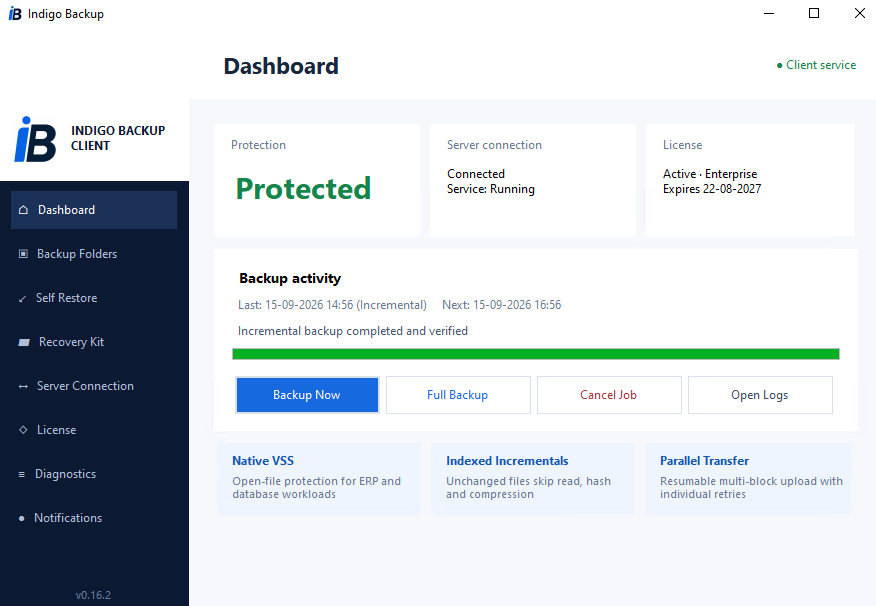
Automate full and incremental backups for business files and ERP data, with Windows VSS support, central policies and simple self-service recovery when you need it.
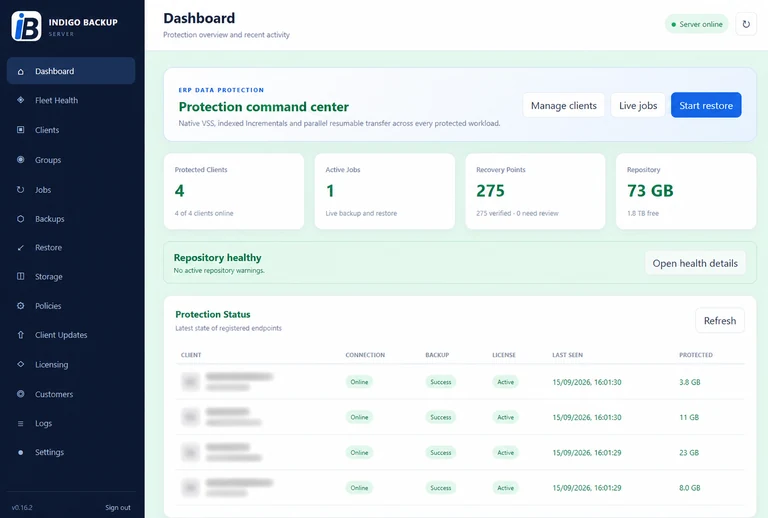
Review the health of your backup environment and the protection status of registered computers.
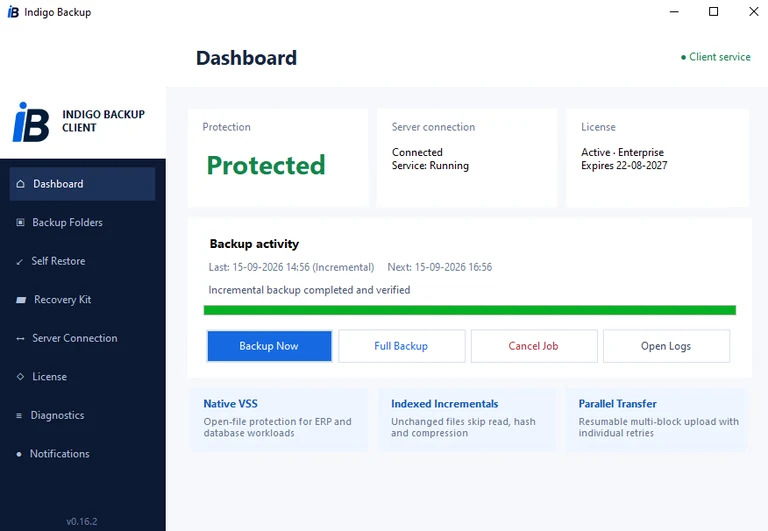
Application screenshots. Client names and hostnames are masked. Figures belong to the captured installation.
Schedule full baselines and indexed incremental backups. Configure catch-up backups when an offline client reconnects.
Choose folders in the client and use native Windows VSS snapshots for open files. Configure live-file fallback through server policies.
Browse dated recovery points and restore selected files or an entire backup into a protected restore folder. Choose how existing files are handled.
Review client connections, backup status, recovery points and repository health. Follow job progress, results and details in the server workspace.
Set backup intervals, full-backup schedules, daily, weekly and monthly retention, compression and upload limits centrally.
Use parallel upload workers, configurable transfer blocks and upload bandwidth limits to fit the available connection.
Include important business folders in your backup plan. Ask Indigo about the appropriate backup procedure for files used by a running ERP application.
Plan protection by computer count and storage requirements, then configure the folders that each client should protect.
Use the available backup copies to restore files after accidental changes or loss. Periodically verify that you can restore the data you need.
Share the number of computers and your approximate storage needs.
Indigo helps arrange licensing, backup storage and installation.
Choose your folders, schedule backups and verify a restore.
Tell us what you need and we’ll discuss the right setup for your organisation.